


Sales
13809631553
After-sales service
13713127352






Category: Magnetic Component Ate Testing Equipment
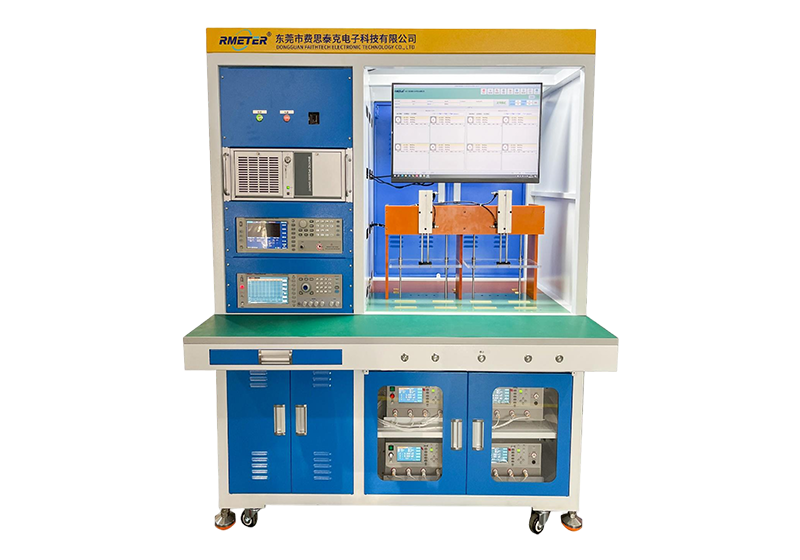
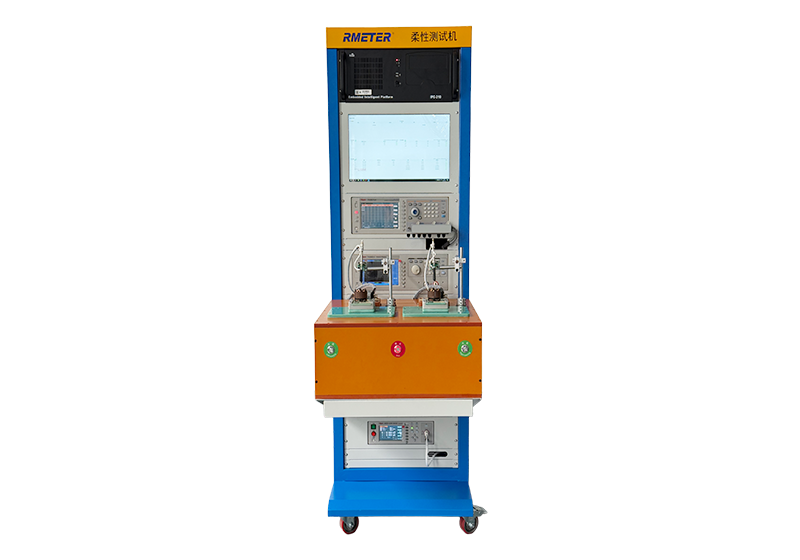
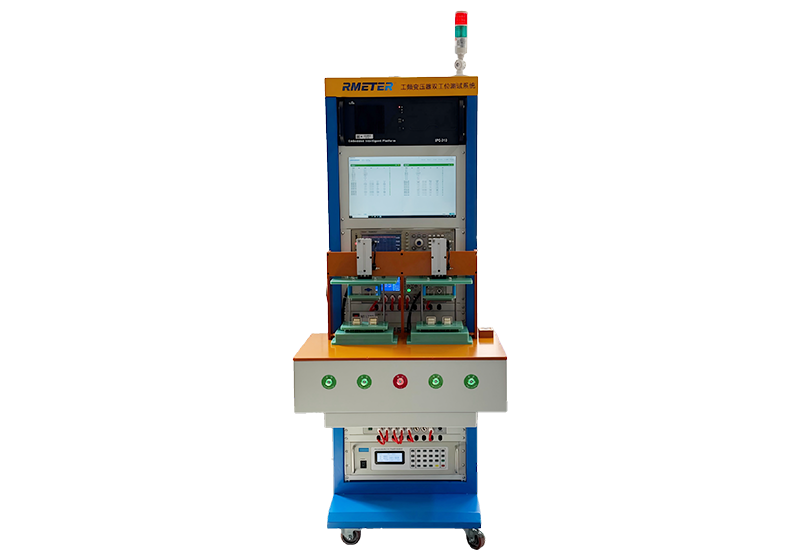
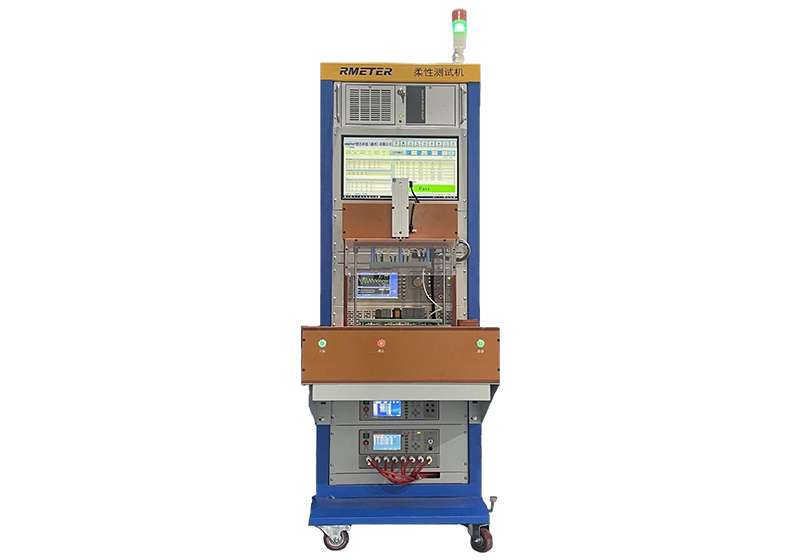
Meets testing requirements for multiple batches, small quantities, and relatively low production capacity; Four workstations integrated into one workstation, saving labor and improving testing efficiency; Comes with a built-in database, and standalone users can perform data statistics and chart display.
Testing functions
Barcode scanning: error codes, duplicate codes, station cross-checks, and barcode binding, etc
Voltage resistance/insulation: AC, DC, IR, conduction, etc
Interlayer insulation: area, area difference, etc
Real-time data statistics: capacity analysis, yield analysis, CPK analysis, chart analysis; Search, query, and export
DC low resistance: for those less than 10mΩ, with a minimum of 0.5mΩ
Comprehensive testing: inductance, leakage inductance, coil ratio, DCR, etc
Equipment features
Meets testing requirements for multiple batches, small quantities, and relatively low production capacity
Four workstations integrated into one workstation, saving labor and improving testing efficiency
Comes with a built-in database, and standalone users can perform data statistics and chart display
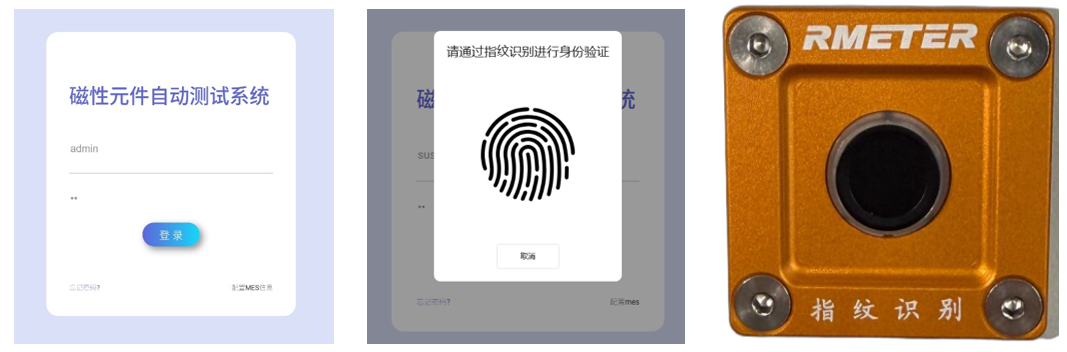
Fingerprint recognition for bank login makes the device more secure and confidential
Fingerprint recognition permission is unlocked to ensure defective products do not flow to the next process
Barcode scanning checks for errors, duplicates, and incorrect codes, and binds test data to barcodes
Comes standard with MES interface for convenient data storage and traceability
Strong software compatibility, compatible with instruments from other brands
Fixture replacement speed is fast, with different fixtures changing in less than 10 minutes
Uses a 19-inch standard cabinet, occupying a small footprint
Basic system architecture
Configuration: industrial computer, barcode scanner, custom fixture
Communications: RS232, RS485, LAN port
Equipment: Testing instruments (withstand voltage machine, comprehensive machine, resistance tester, interlayer machine)
Database: data upload, table generation, data retrieval
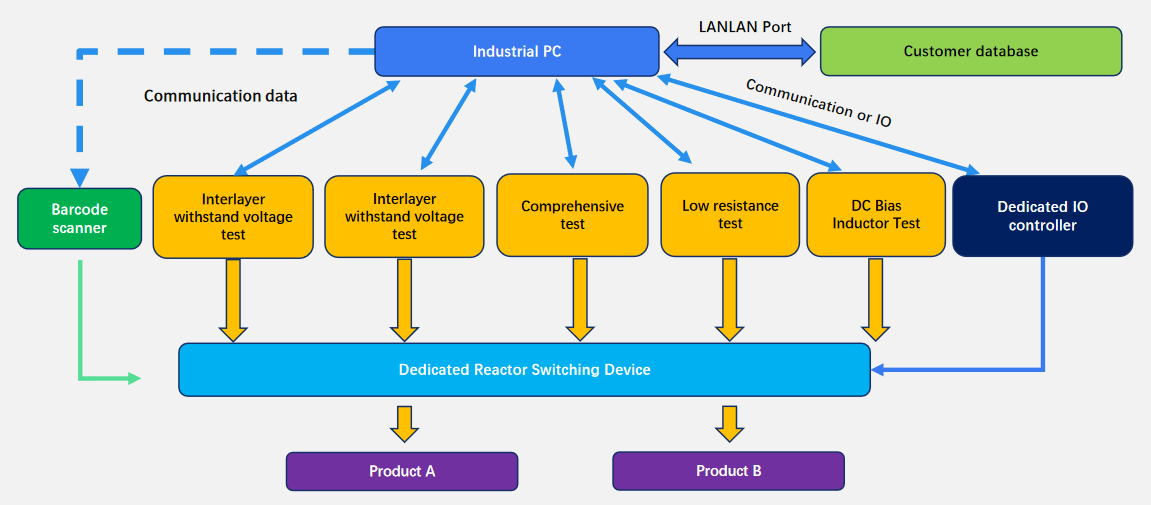
The schematic is shown in the diagram
System functions
1. Login selection
You can log in by entering your username and password, or log in directly with your fingerprint
Ensure the authenticity and reliability of the data

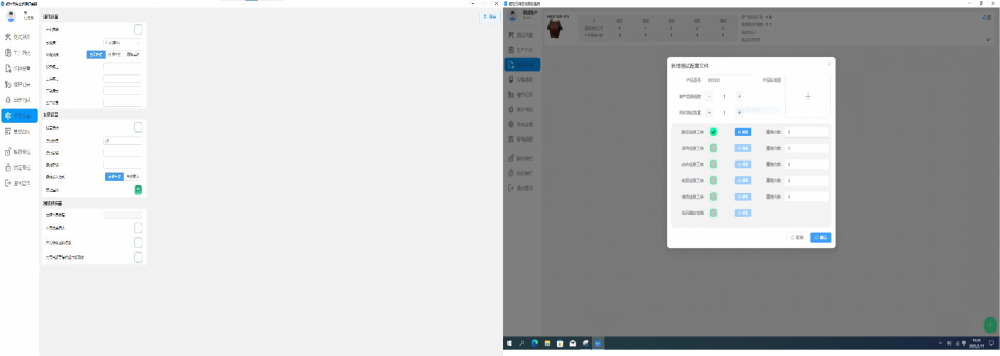
2. System Settings & Model Settings
Equipment Management: equipment number, equipment location, instrument composition, equipment status, etc
Model Management: Parameter settings (quantity, order number), custom product names in model files, one-to-one correspondence
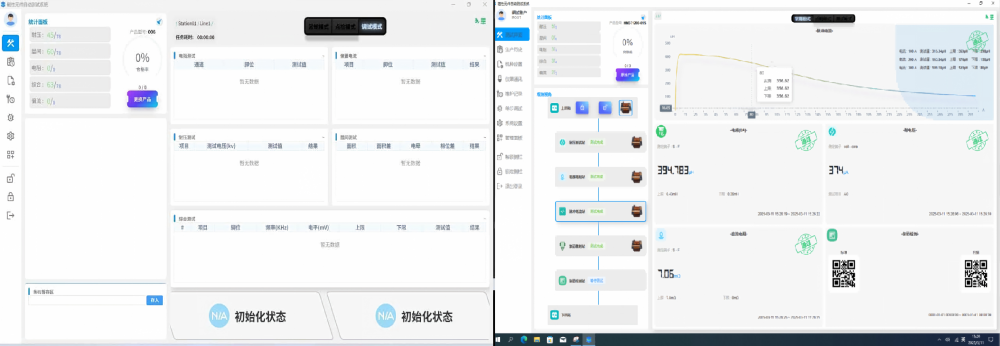

3. Test interface & data details
Each instrument has its own test details display (setting conditions, parameters, results, test items).
Defective products are marked in red; NG data can be extracted separately
All data can be exported to Excel for real-time viewing

4. Data export & data retrieval
Automatically generate Excel spreadsheets or save them to MES systems or databases
| Data export | |
 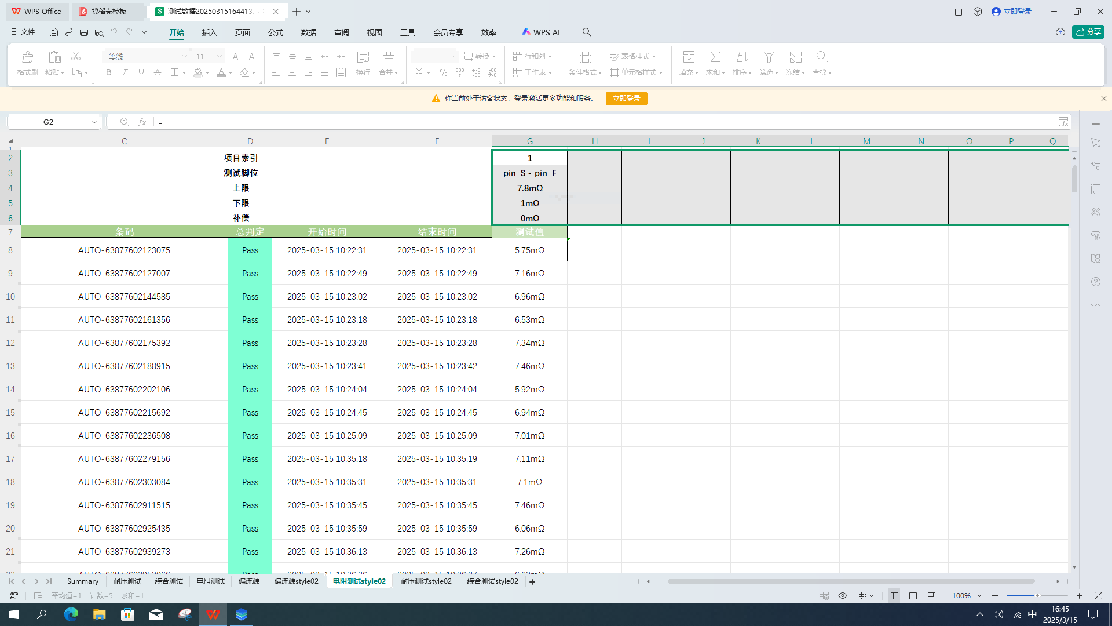 | Export format 1. Multiple entries Default CSV format can be used in EXCEL 2. Single data line generates a separate page3. Statistical charts: bar charts, pie charts, histograms |
| Database 1. All data is stored in the database, allowing direct calls | |
| Data retrieval | |
 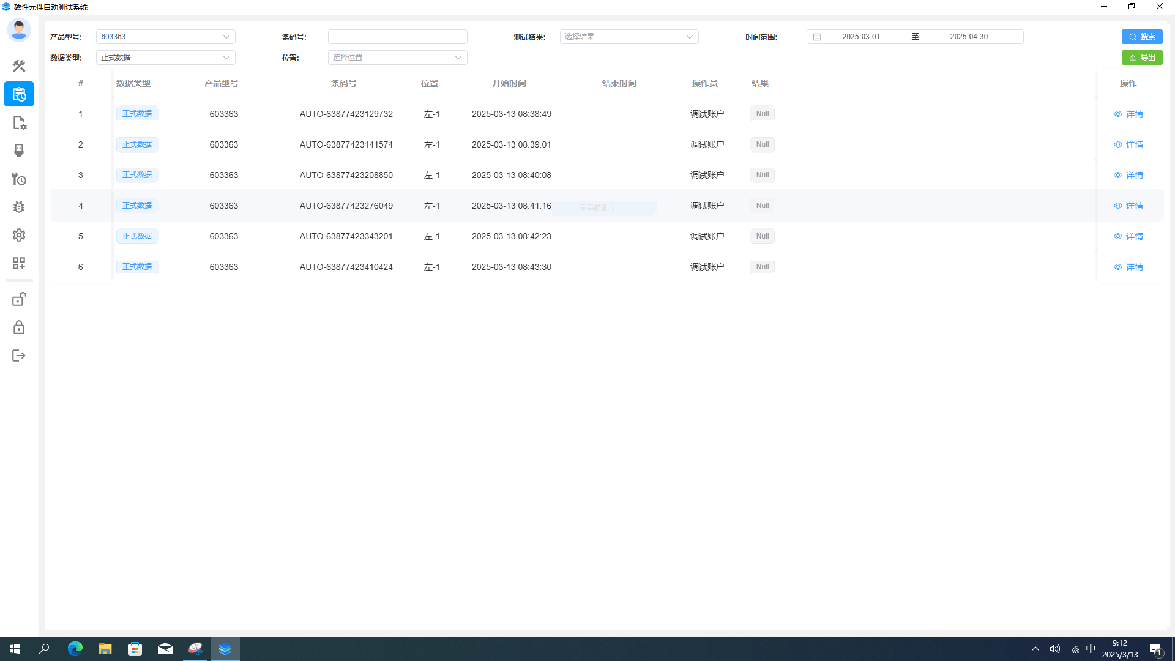 | Historical information inquiry 1. Conditional combination query: Query historical data by selectable date, work order number, model, batch, test results, and more. 2. PASS/FALL/all can be extracted and generated |
| Supports barcode functionality : Barcode gun scans QR codes and automatically generates a data code | |