


Sales
13809631553
After-sales service
13713127352






Category: Test Data Management System
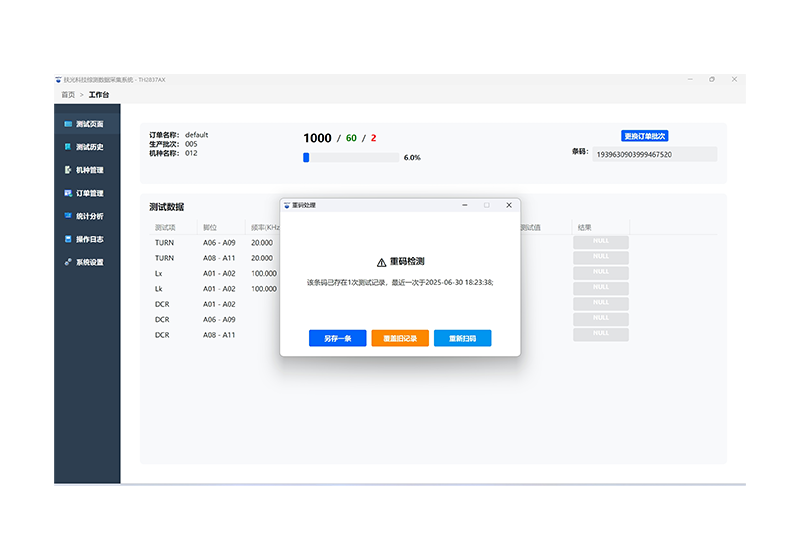
Data Collection: Can be integrated with various instrument data collection functions, real-time test data collection, and local data storage in the database; Data traceability: Web visual management, historical data queries, support for exporting inquiry records; Data charts: Customize customer-specific quality reports (such as CPK, control charts, etc.) according to customer needs.
The system has four core functions
Data Collection: Can be integrated with various instrument data collection functions, real-time test data collection, and local data storage in the database.
Data Traceability: Web visual management, historical data queries, and support for exporting inquiry records.
Data charts: Customize customer-specific quality reports (such as CPK, control charts, etc.) according to customer needs.
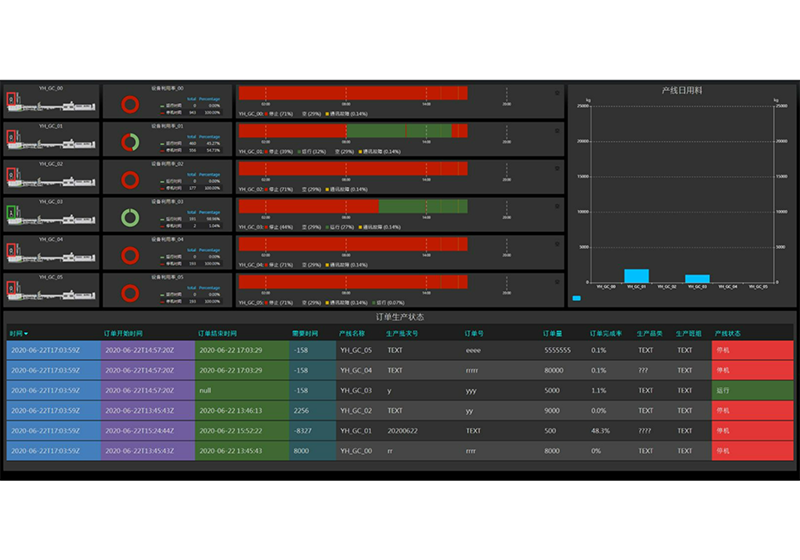
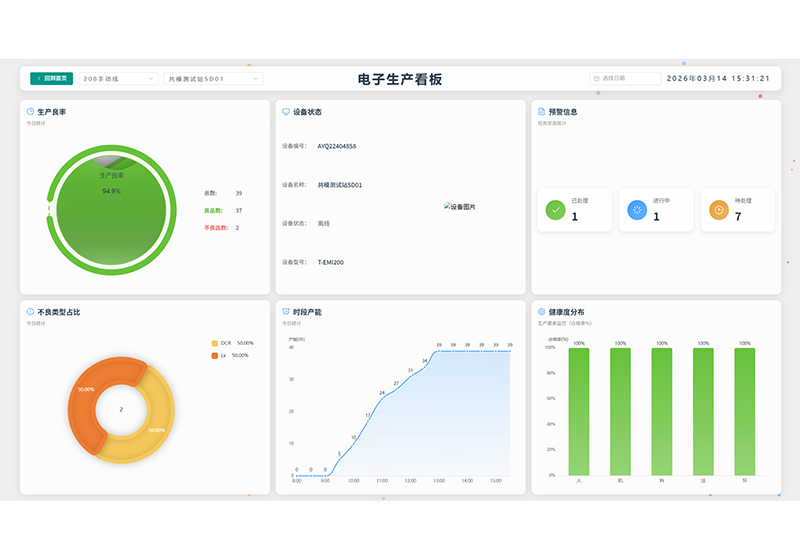
Electronic Kanban: Display of unified analysis charts and charts for production work orders, production quantities, test data pass rates, etc.
Basic system architecture
Configuration: industrial computer, barcode scanner, custom fixture
Communications: RS232, RS485, LAN port
Equipment: Testing instruments (such as Tonghui pressure withstand machines and comprehensive machines)
Database: data upload, table generation, data retrieval
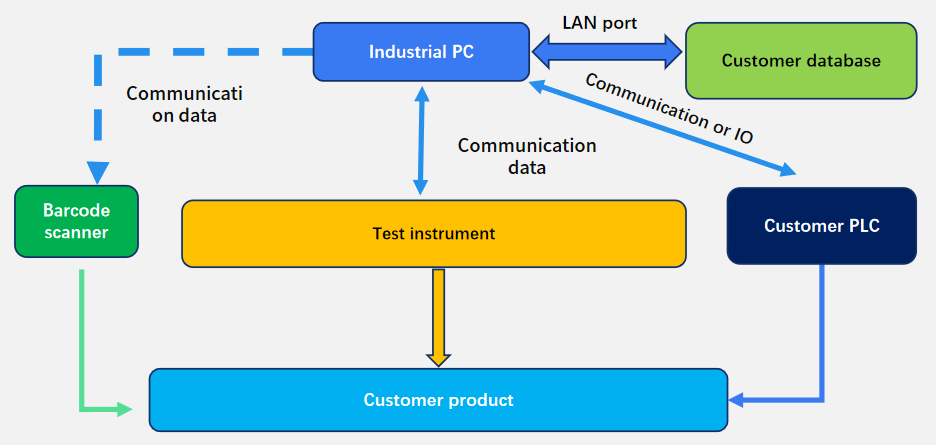
The schematic is shown in the diagram
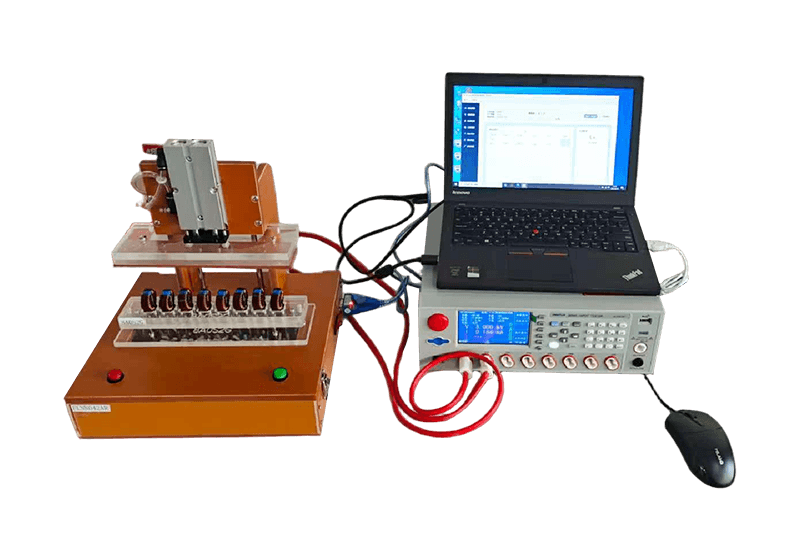
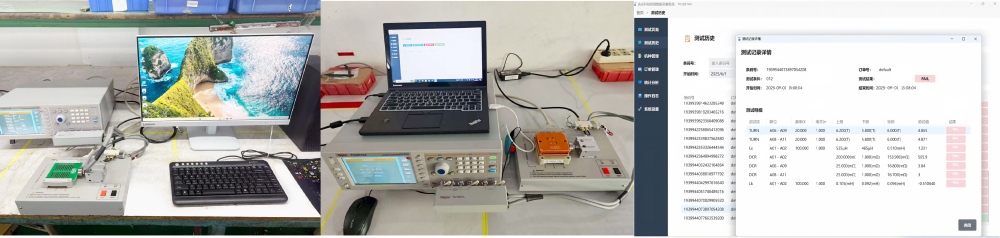
Rendering of
standalone data acquisition equipment 1. Comprehensive tester + computer
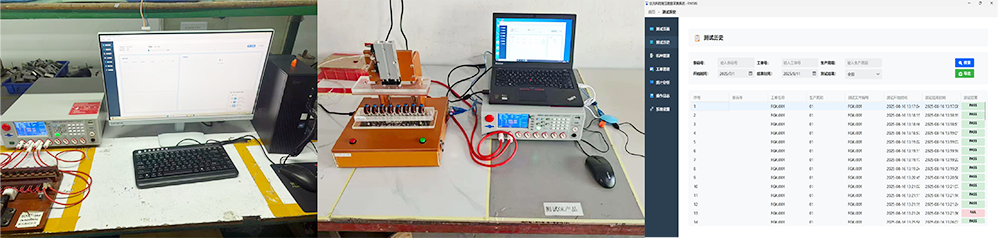
Rendering of
standalone data acquisition equipment 2. Pressure withstand machine + computer + fixture
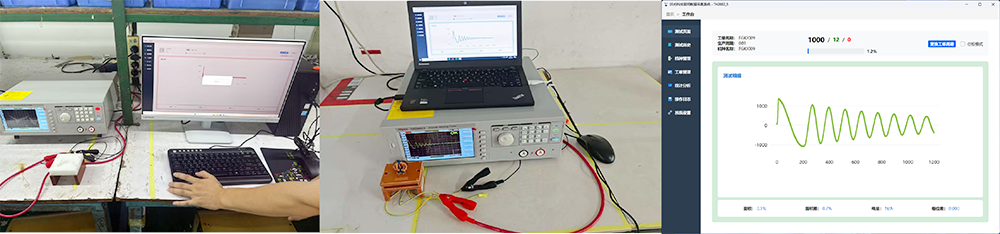
Rendering of
single-machine data acquisition equipment 3. Lathe machine + computer + fixture
System functions
1. Data acquisition system
The data collection implementation plan is as follows:
Magnetic components can use the serial instrument port of the single-unit data acquisition system (usually RS232, network port, USB interface) to transmit data to the main control computer of the test equipment, and synchronize the data to the server side.
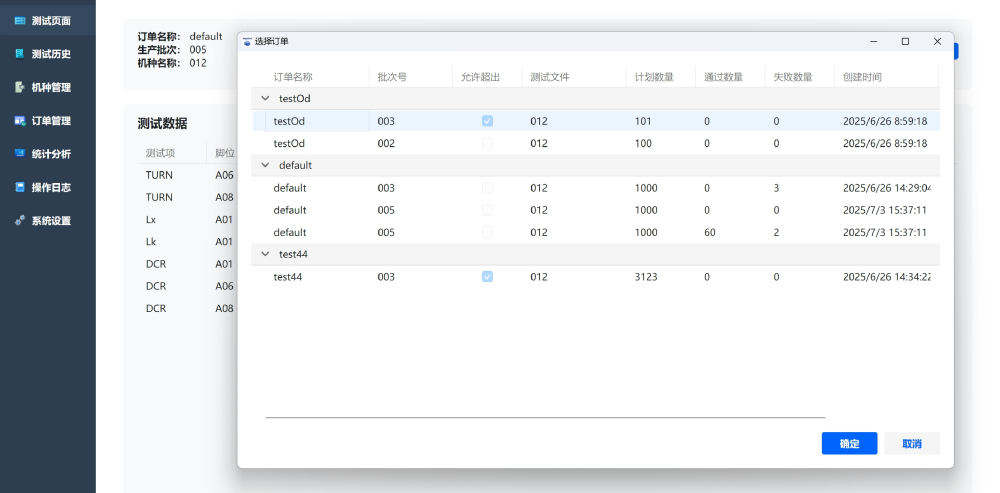
Web data traceability
| Visualized management | |||
| Equipment management | Data management | Machine type management | Data visualization |
| Equipment number, equipment location, instrument composition, equipment status, etc | Automatically generate Excel spreadsheets Or save to the MES system or database | Device file customization Product names: One-to-one matches | Real-time data, test parameters, conditions, quantities |
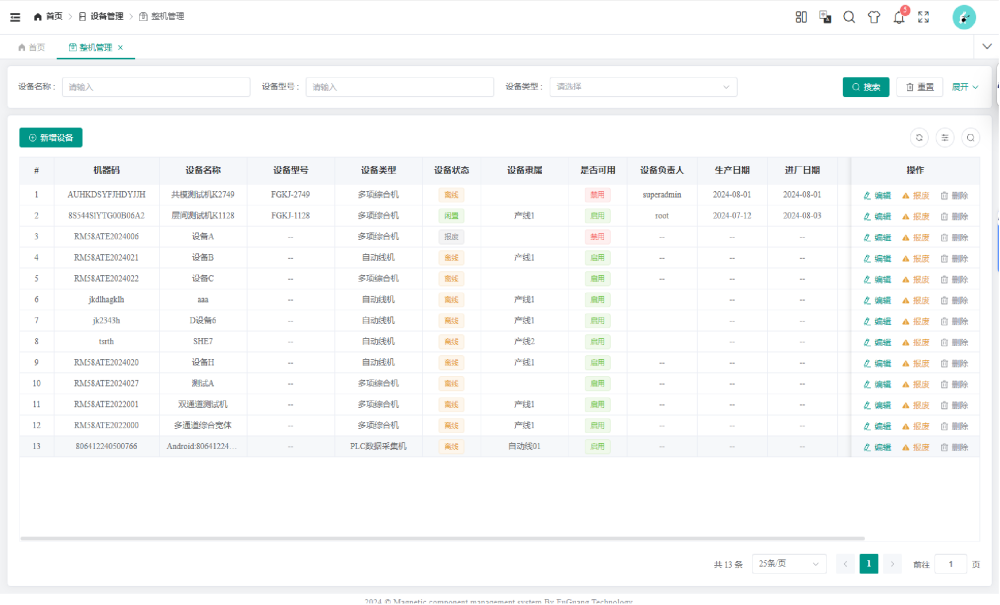
Web data export
| Data export | |
| Export format | Data storage methods |
| 1. Multiple entries Default CSV format can be used in EXCEL 2. Single Entry, One Data Strip, Generate a Separate Page | 1. All data is stored in the database and can be called directly 2. For customers without a database, automatically generates a local disk, with selectable placement locations (desktop/D drive) |
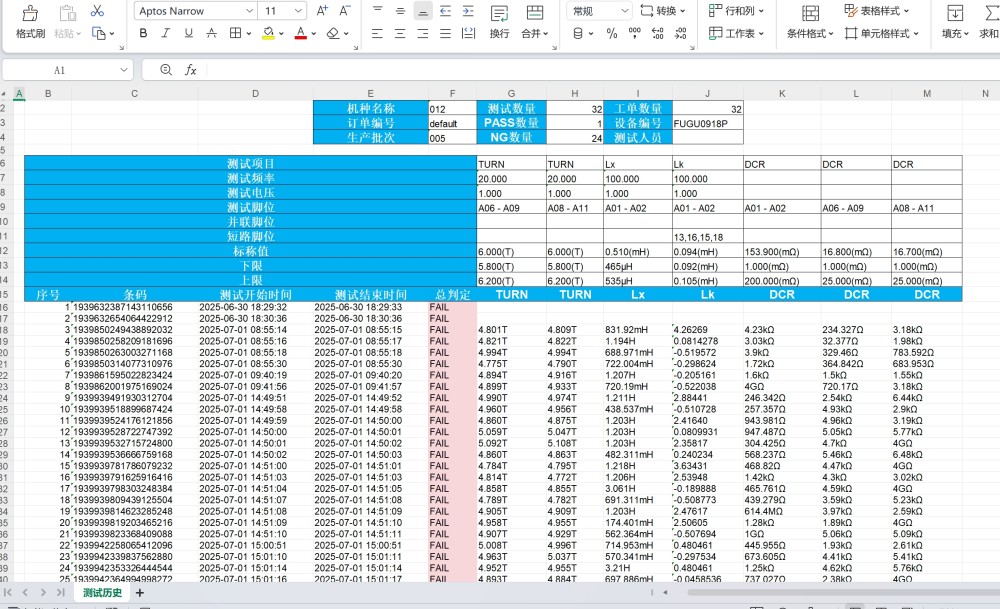
Web data retrieval
| Historical data retrieval | |
| Historical information inquiry | Supports barcode functionality |
| 1. Various combination of condition queries with selectable production date, work order number, product model, batch, test results, and other historical data queries. 2. PASS/FALL/all can be extracted and generated | Barcode scanners scan QR codes and automatically generate a data code |
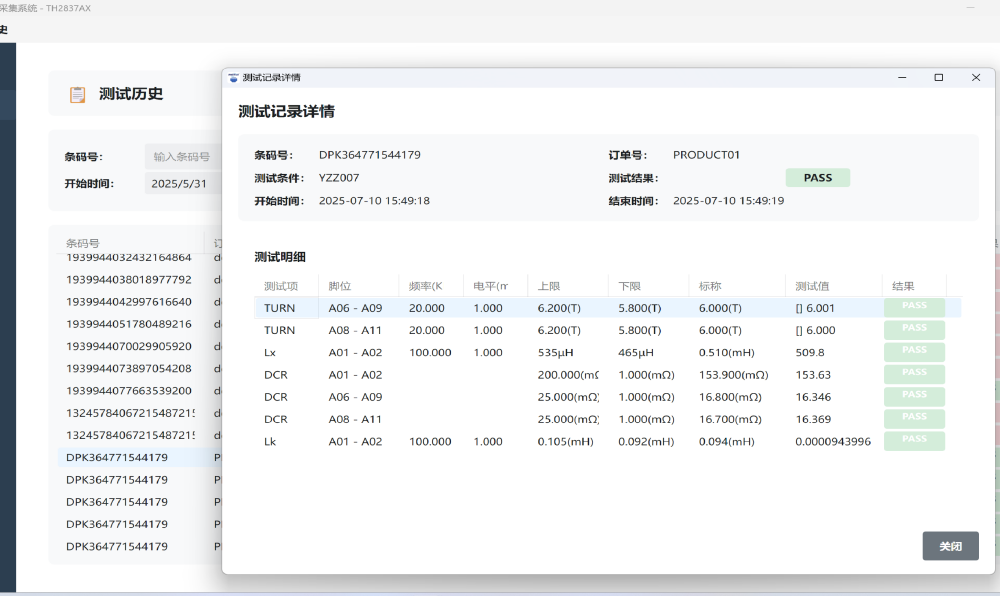
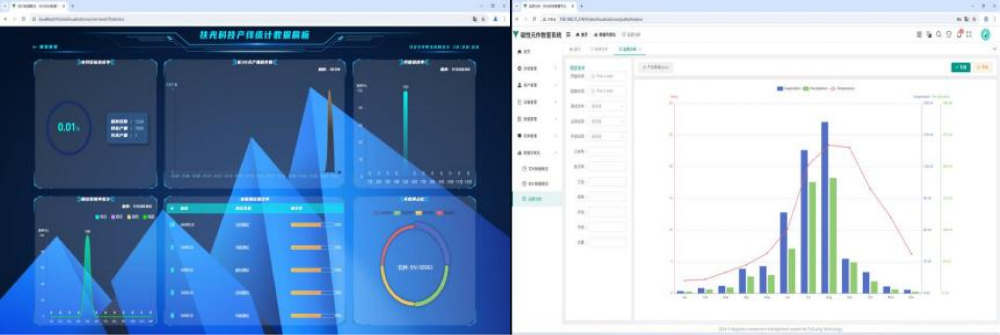
Data chart
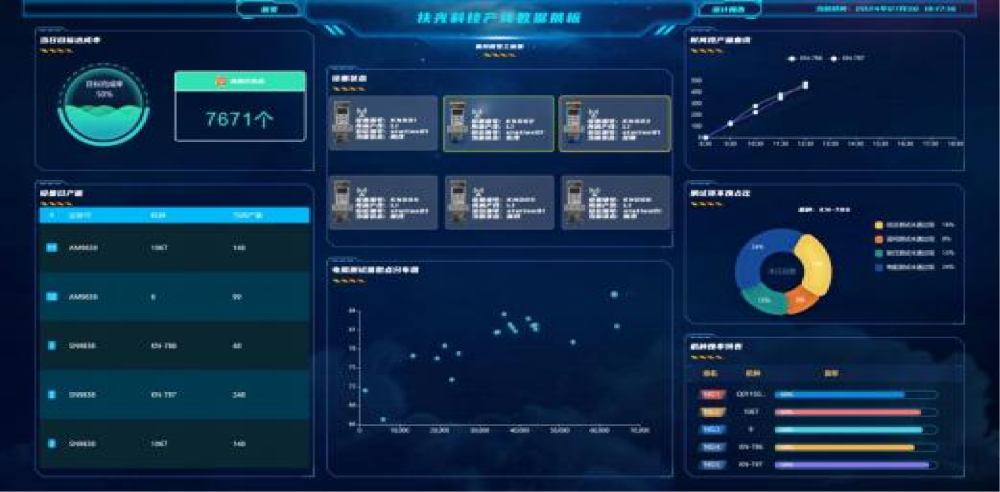
Electronic Kanban system